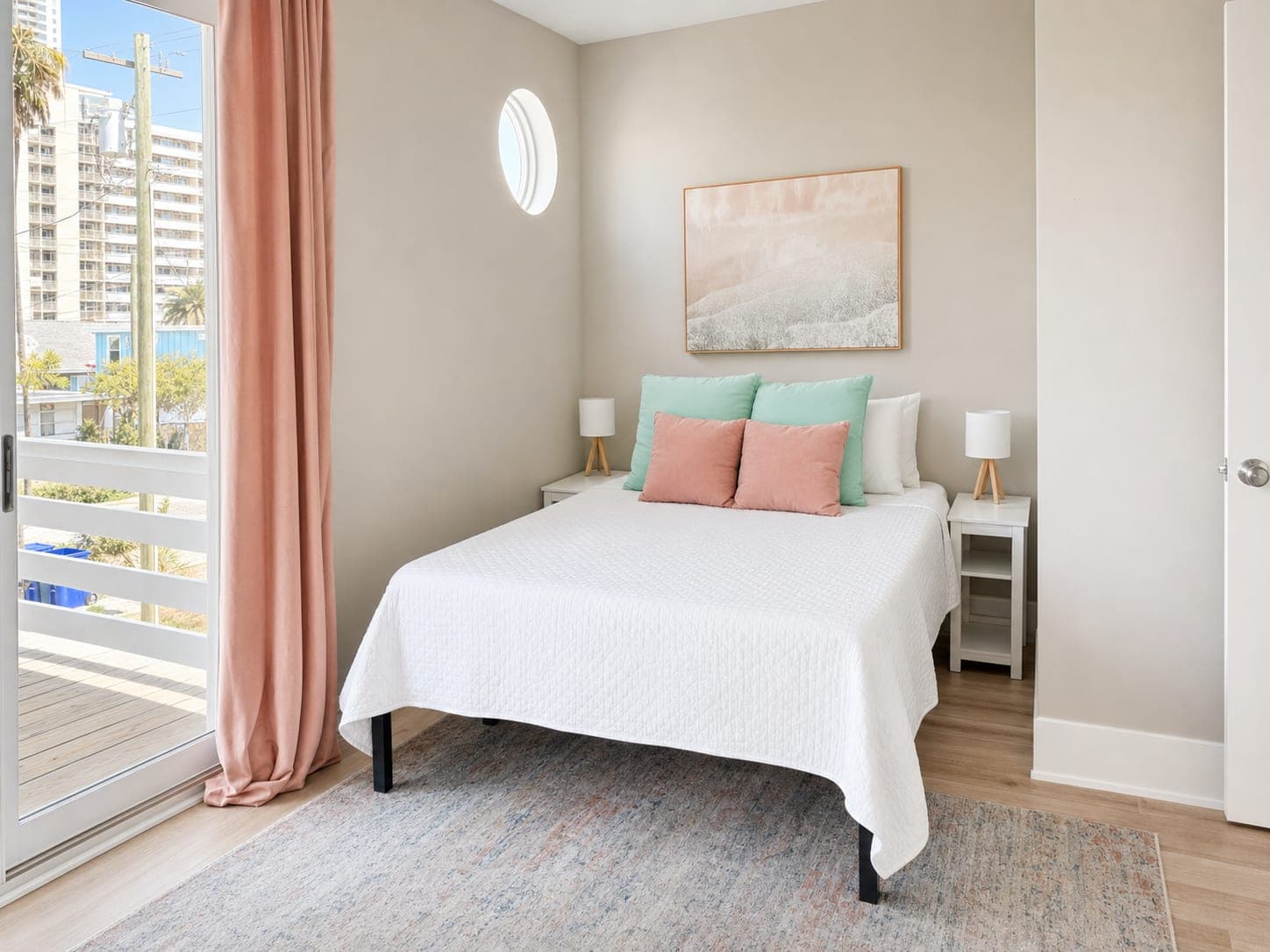
The Room Was Fine. The Listing Photo Was the Problem.
Why ordinary phone photos quietly cost real estate listings attention, and what to fix first.
This is the part of real estate marketing that feels a little unfair: the home can be perfectly good, and the photo can still make it look forgettable.
A dark corner. A phone lens that bends the room. A bed that looks softer in person than it does online. A kitchen that has good light, but somehow shows up gray in the listing preview. None of that means the property is weak. It means the photo is doing the home no favors.
And buyers do not start by touring the home. They start by judging the thumbnail.
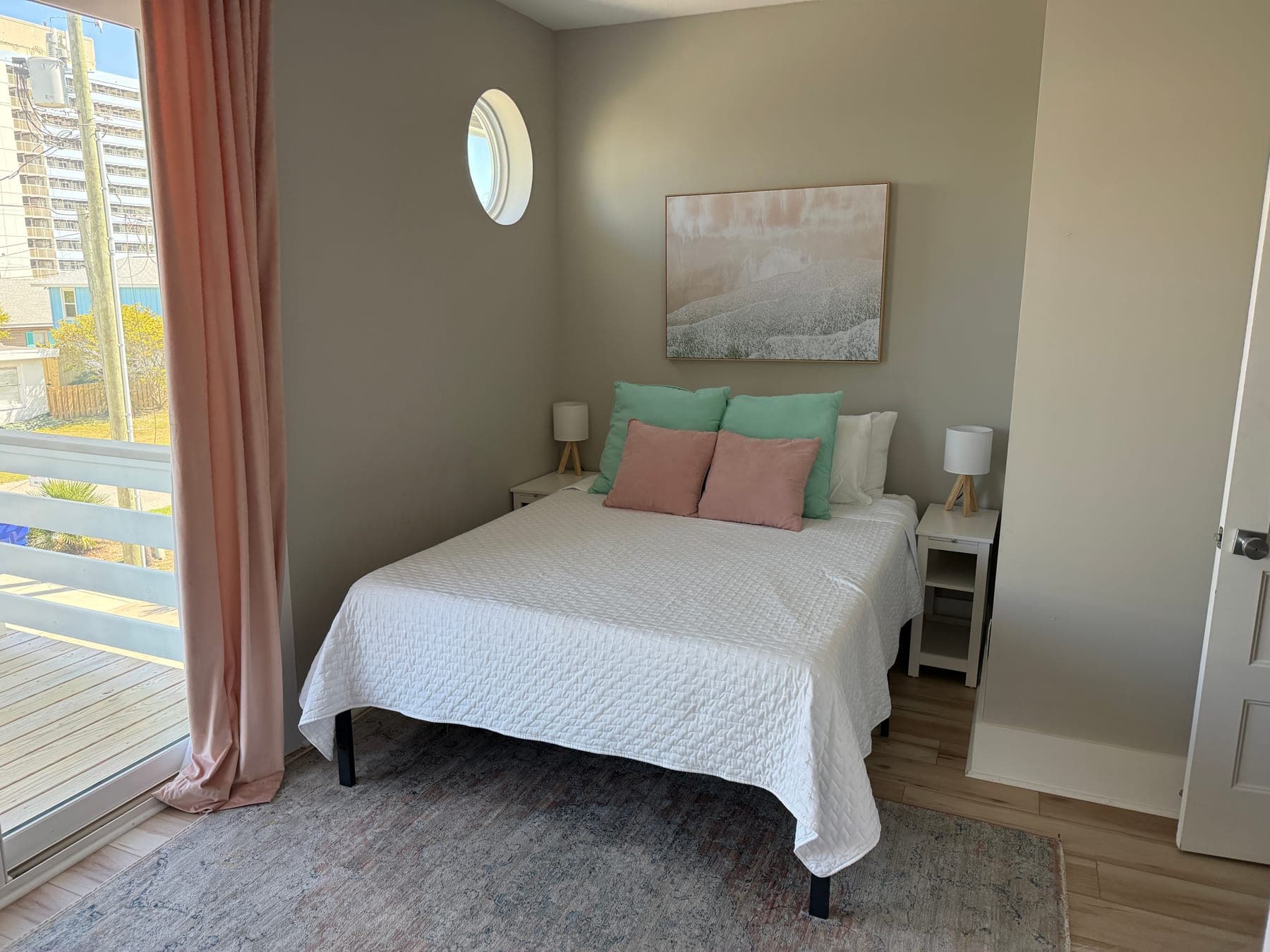
The fastest win is usually clarity
A lot of listing-photo problems are not dramatic. They are just friction. The viewer has to work too hard to understand the room. That is where a good AI real estate photo editor can help.
The first pass should make the space easier to read. Brighten the shadows. Clean up the color. Straighten the verticals. Reduce the phone-photo feeling. Make the bedding, walls, windows, floors, and fixtures look closer to how they feel when you are standing there.
That is the difference between "nice enough" and "listing-ready." It is not about turning every room into a magazine spread. It is about removing the little distractions that make buyers scroll past a good property too quickly.
What agents should fix before publishing
If you are trying to get a listing live quickly, start with the edits that improve buyer comprehension fastest.
- Lighting: brighten dark interiors without blowing out windows.
- Color: make whites look clean, wood tones natural, and walls less muddy.
- Composition: crop and straighten so the room feels stable.
- Small distractions: clean up cords, glare, trash cans, random objects, and visual clutter.
- Consistency: make the full gallery feel like it belongs to one listing, not three different lighting conditions.
This is where Turtl is useful for agents, property managers, Airbnb hosts, and sellers who need better listing photos without turning a normal photo update into a whole production.
Better photos, same home
There is a line that matters. Listing-photo polish should help buyers see the home clearly. It should not invent a different home.
Turtl is built around that idea: make the photo look like the property on its best day. Brighter light, cleaner presentation, stronger first impression. Same walls. Same windows. Same room.
There is room for AI magic here, but the magic should stay in service of the real space.
The practical agent workflow
The best place to start is not with every photo. Start with the images that make or break the click.
- Pick the cover photo and the first three gallery images.
- Run a clean listing-photo polish pass in Turtl.
- Compare the before and after at full size.
- Save the best version and keep the original handy.
- Use the same visual standard across the rest of the listing set.
This is simple, but it changes the way a listing feels online. The room looks easier to understand. The property feels more cared for. The agent looks more prepared.
Try one photo before you overthink the whole gallery
If a listing photo feels almost right but not quite publishable, that is exactly the kind of image worth testing. Upload one room, give it a clean photo glow-up, and ask the only question that matters:
Would a buyer understand this room faster now?
If the answer is yes, you have a better listing asset. If the answer is no, you learned before spending more time on the whole set.
See how Turtl works for agents or try it on one listing photo.