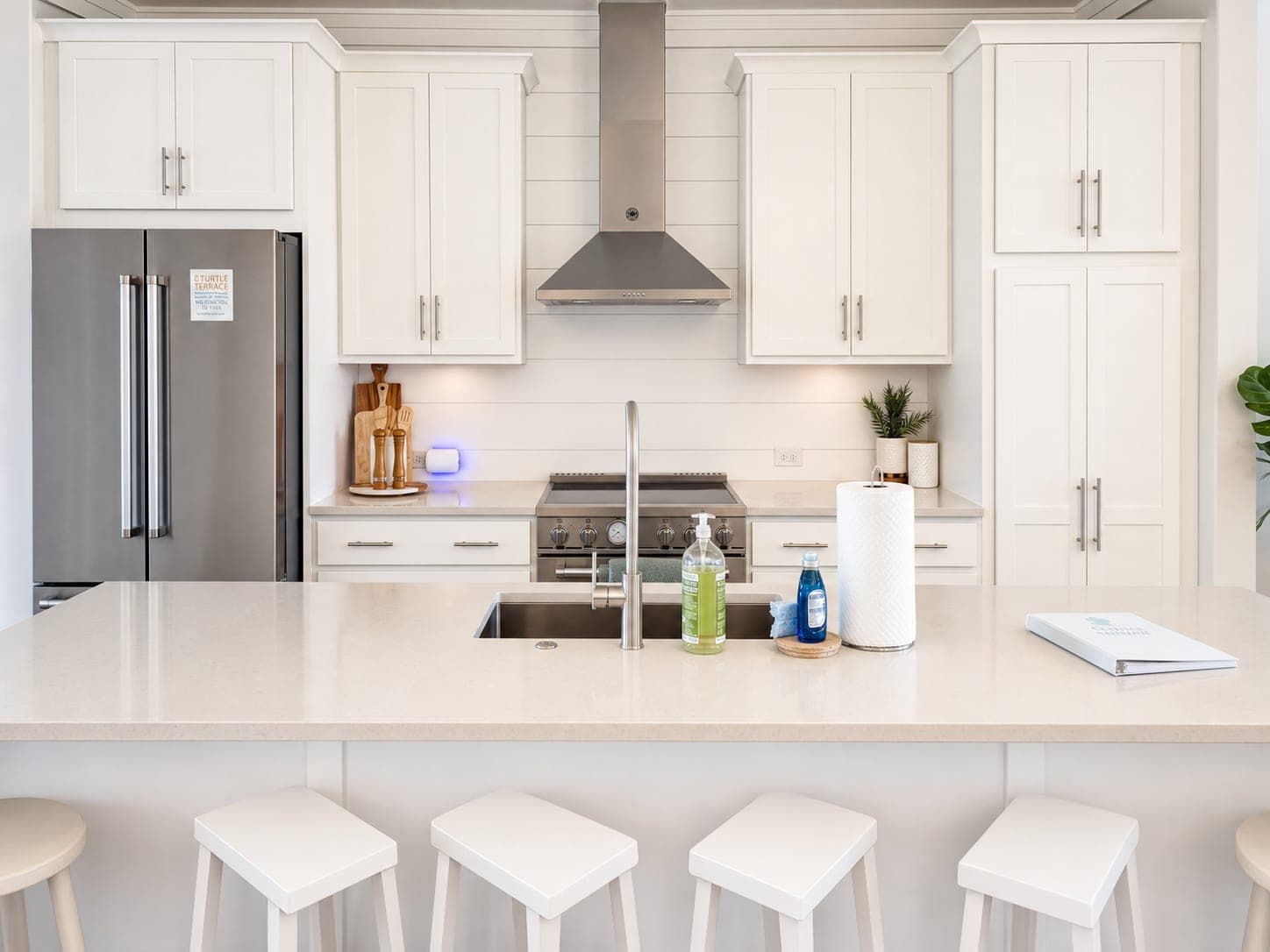
Property Managers Do Not Need a Full Reshoot for Every Turnover
A practical rental-photo refresh workflow for keeping listings current without slowing down leasing.
The awkward part of rental marketing is that the photos usually age faster than the property.
A tenant moves out. The walls get touched up. The cleaners come through. Maybe the bedding, couch, rugs, or lighting changed three turnovers ago. The unit is perfectly leasable, but the listing gallery still looks like it belongs to a different week, a different tenant, or a different version of the room.
Property managers do not always need a full reshoot to fix that. They need a repeatable way to make current rental listing photos look clean, bright, consistent, and ready to publish before the leasing window gets eaten by scheduling.
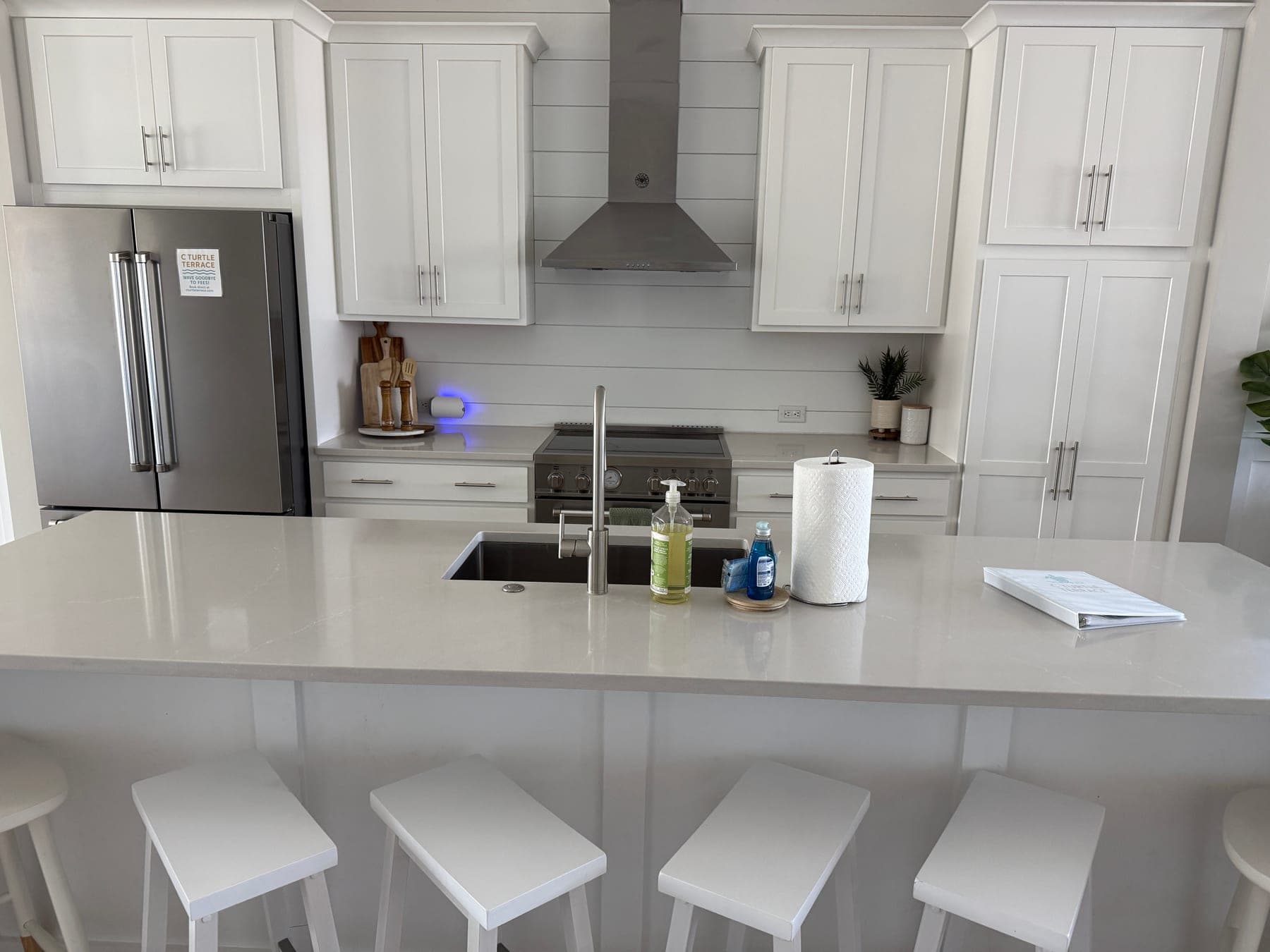
The turnover window is also a photo window
For a property manager, photos are not a one-time branding asset. They are part of the leasing operation.
Every delay has a cost. Waiting for a photographer can push the listing back. Reusing old photos can make the unit feel stale or mismatched. Posting fast phone photos can make a clean rental look dim, cramped, or less cared for than it really is.
That is why rental listing photo editing is so practical. It gives managers a middle path: use the current photos you can get during the turnover, then polish the images that actually influence inquiries.
Start with the rooms renters judge first
You do not need to refresh every image at once. Start with the rooms that decide whether someone keeps clicking:
- the main living area
- the kitchen or breakfast nook
- the primary bedroom
- the cleanest bathroom angle
- the exterior or amenity photo that anchors the first impression
If those photos feel current and easy to understand, the rest of the gallery has a much better chance. The goal is not to make the rental look like a different property. It is to remove the photo problems that make a good unit feel forgettable online.
What a rental photo refresh should actually fix
The best edits for property managers are usually boring in the most useful way. They make the photo clearer without creating new facts about the home.
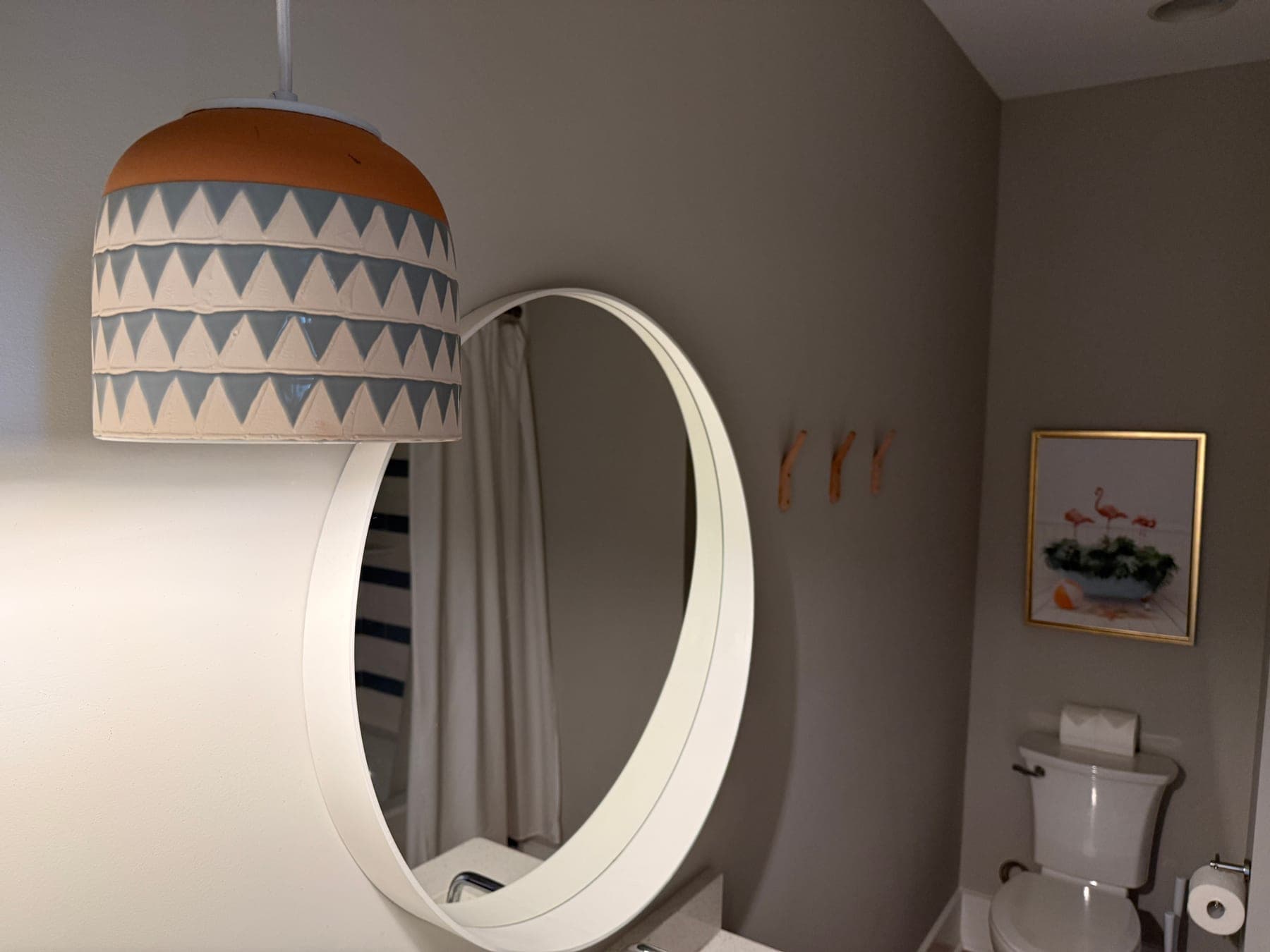
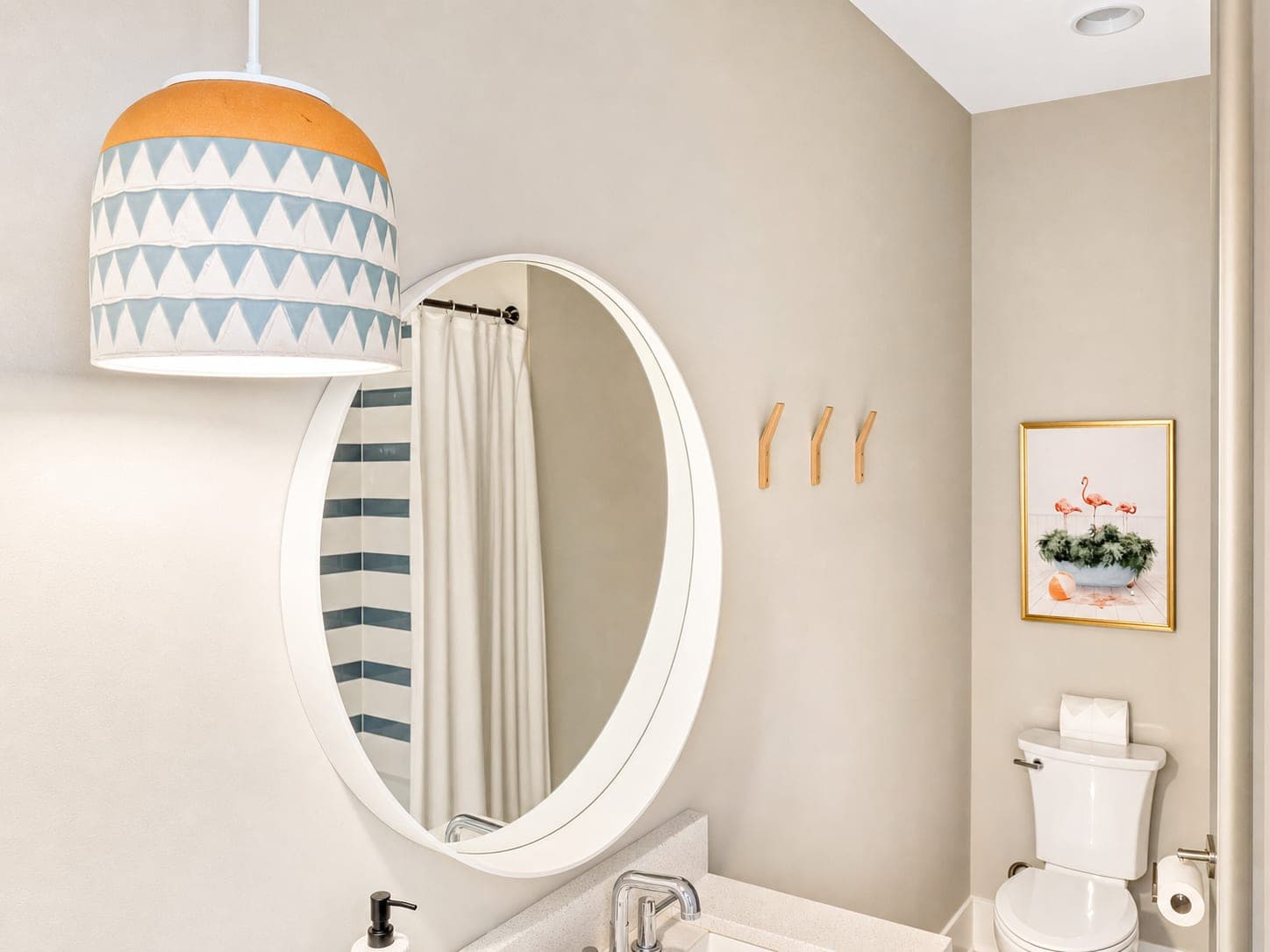
Start with light. Turnover photos often happen quickly, at whatever time the unit is accessible. Shadows get heavy. White walls go gray. Windows pull too much attention. A good edit should make the room feel closer to how it reads in person.
Then clean up color. Rental listings suffer when every room has a different cast: yellow bedroom, blue living room, muddy kitchen. Color consistency makes the gallery feel like one property instead of a patchwork of old and new photos.
Finally, steady the frame. Straight lines, calmer crops, and better balance can turn a quick phone shot into a usable listing asset. That is the full Turtl treatment when a photo is close, but not quite MLS-ready or rental-platform ready.
When editing beats another shoot
A reshoot is worth it when the old photos are wrong, blurry, missing important rooms, or showing a property that has materially changed. No photo editor should pretend old facts are current facts.
But a lot of turnover photo problems are not that dramatic. They are presentation problems:
- the room is clean, but the photo is dim
- the unit is ready, but the images feel inconsistent
- the gallery uses a mix of phone shots and older professional photos
- the best current photo is good enough to save, but needs polish
- the exterior or amenity image feels flat compared with the unit
That is where AI magic is useful because it is operational, not just aesthetic. It helps a property manager move from "we need better photos someday" to "we can make this listing presentable today."
Keep the rental honest
Better photos should still be the same home. Keep the architecture, windows, floors, fixtures, appliances, room size, and permanent finishes truthful.
Normal photo polish, light cleanup, straightening, glare reduction, sky improvements, and small ambience edits can stay practical and playful. If the edit adds furniture or decor, treat it as virtual staging and label it clearly where listing rules require it. If the issue is leftover furniture or visual clutter from a lived-in room, Room Reset can help buyers or renters see the room before they judge the stuff in it.
The useful standard is simple: change the presentation, not the property.
A repeatable property-manager workflow
The workflow does not need to be fancy. It needs to be consistent.
- Take current photos during the turnover, even if they are fast phone shots.
- Pick the five images most likely to drive inquiries.
- Run a clean listing-photo polish pass in Turtl.
- Compare each edit against the original at thumbnail size and full size.
- Keep originals organized so the team can review what changed.
- Refresh the listing gallery before the unit loses another day online.
That last part is the business case. The edit is not only about making a photo prettier. It is about reducing friction in the turnover process, keeping rental inventory current, and giving the next renter a clearer reason to click.
Try it on one turnover photo
Pick one current rental photo that is almost usable, but not quite doing the room justice. Upload it to Turtl, ask for clean rental listing photo editing, and compare the result to the original.
If the room feels easier to understand and still feels like the same rental, the refresh did its job.
See Turtl for long-term rentals, try it on one property photo, or check credits and pricing.